



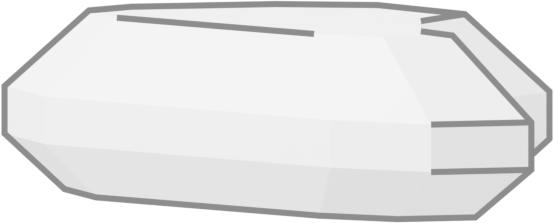



Not just a rock.Your rock.
talks back (nicely)
clicks the buttons for you
Pebbles sits in the corner of your Mac. Click it, say what you need, and it does it.
What it does, and how fast.
Opens it, finds it, switches to it.
Say “open my notes from Tuesday” and it is already moving. It picks each next step itself, the way you would.
191ms to decide each step
Looks it up.
Ask about anything on the web. It searches, reads what it finds and tells you the part you wanted.
459ms to search
Clicks the buttons for you.
It works your apps through the same buttons, menus and fields you use, and asks before it changes anything.
1ms a click
Tells you, out loud.
When it is done it says so in its own voice, or asks the one thing it needs to know.
465ms to have its answer
No two alike.
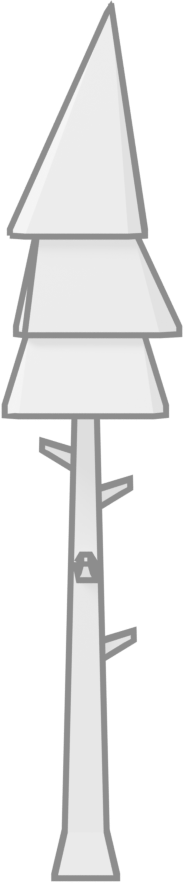
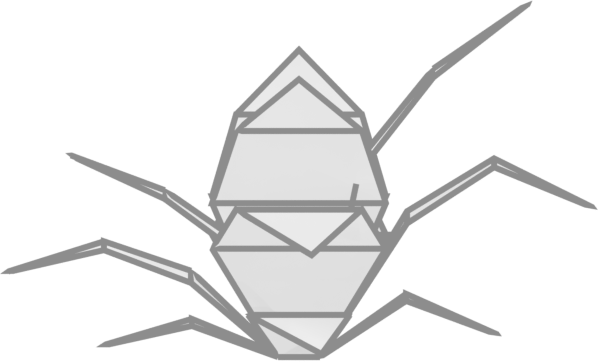
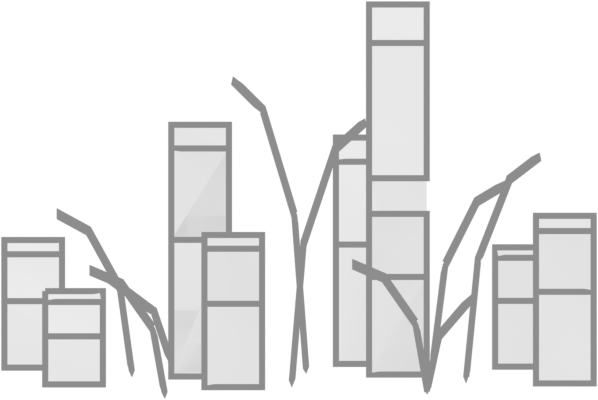
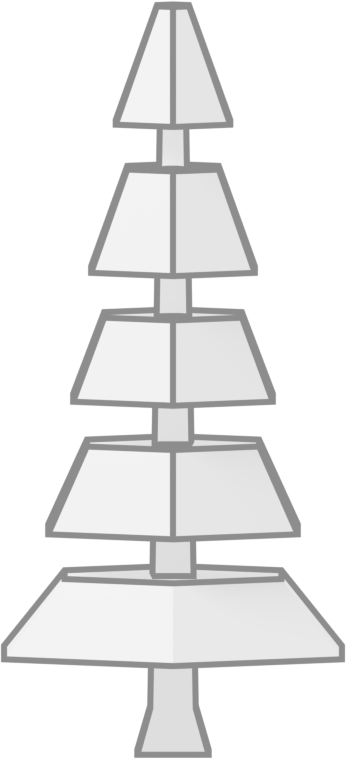
Every Pebbles grows from a seed: its shape, its stone, the moss on top and the colour it speaks in. Pick a stone to see one.
grown from a seed in about a tenth of a second
A helper, not a window.
There is no app to open and nothing to learn. You talk; it works.
It hears you on your Mac.
Listening and speech recognition run on your own computer, so what you say is heard where you said it.
It asks before it changes things.
It reads and looks on its own. Anything that would change your files or send something waits for your yes.
It remembers.
It keeps what you have worked on together, so tomorrow you can say “that thing from yesterday”.
It stays out of the way.
Slide it along the edge of the screen, or hide it. It is there when you click, and quiet when you don't.
A pet rock with a committee inside.
Most assistants send every little thing to one enormous model. That is hiring a surgeon to open a jar. Pebbles splits the work between parts that are each built for their one job, and the big thinking is only done when it is needed.
The ear
on your MacYour voice becomes words on your own computer, before anything else happens.
on-deviceThe decider
a small model with one jobIt does not chat or write essays. It reads where things stand and picks the next step: which app, which button, what now.
191 ms · $0.00006 a stepThe hands
your Mac’s own controlsClicks, typing and menus through macOS accessibility, the way a screen reader works an app.
about 1 ms a move(they get along fine)
The hunch
a predictive modelIt reads a table of how your past steps turned out and gives each option its odds. It learns your Mac from that table alone, with nothing retrained, and is asked only when a step fails or the choice is crowded.
only when stuckThe talkers
fast general modelsThe wordy parts: filling in a form, writing the reply, reading what is on screen. The main one drafts a whole passage at once instead of a word at a time.
about half a secondQuick, because most of the work is small.
Choosing the next step is a small question, so a small model answers it, in about a fifth of a second. Nothing waits on a giant model to decide which button to press.
Cheap, for the same reason.
A step’s decision costs about six thousandths of a cent. The general models only do the parts that need words, so a typical request comes to about a twentieth of a cent.
It gets better at your Mac.
Every step’s outcome is kept on your Mac. When it gets stuck, the hunch reads those outcomes and says what has worked before, so it is less likely to make the same mistake twice.
Times are medians from Pet Rock’s own runs on a Mac in September 2026, from the request leaving the Mac to the answer coming back. Costs are what the models charge for those runs, worked out from the words sent and received where a run did not record its cost.

$20a month
A typical request uses about a twentieth of a cent of model time, so there is nothing to count: one plan, with everything Pebbles does. Pet Rock is in a private test for now.
no meter. no credits. no tokens.